Monday - Thursday 9AM - 5PM | Friday 9AM - 4PM

How Wireless Telemetry Is Transforming Industrial Sensor Monitoring
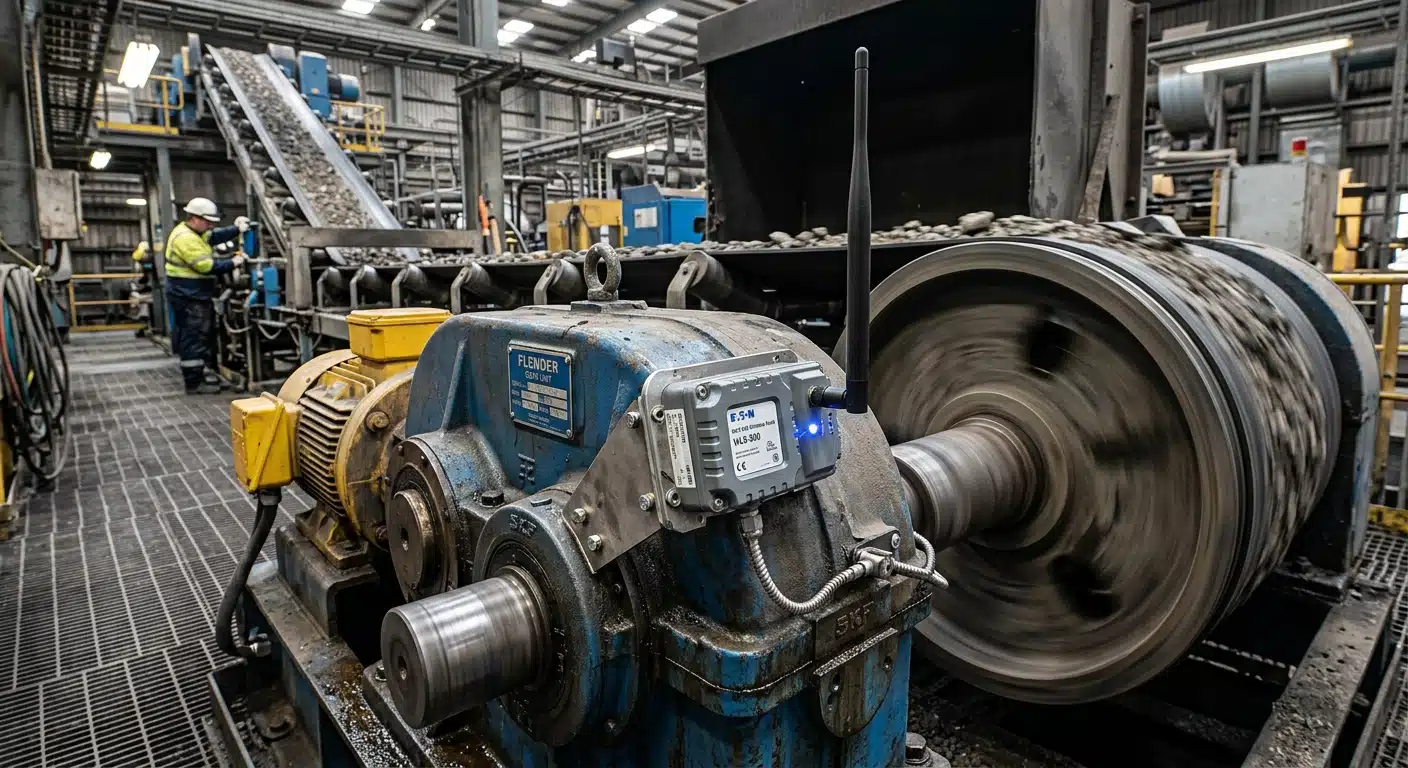
I once watched a client try to run a 40-metre instrumentation cable across a live conveyor gantry to get vibration data off a gearbox nobody could safely reach. It took two days, a scissor lift, and a lot of cable ties. A wireless sensor transmitter would have had that gearbox reporting within the hour.
That’s the pitch for wireless telemetry in one sentence: get the data without running the cable. But “wireless” covers a lot of ground, from a 2.4GHz radio link good for a couple of hundred metres in an open yard, through to a cellular modem reporting from a pump station three hours from the nearest office. Pick the wrong one and you lose range, battery life, or reliability you didn’t know you needed until the connection dropped mid-shift.
This piece walks through how wireless telemetry actually moves data, what limits its range and latency once it’s on a real site, and where it beats a wired data acquisition system outright — plus where it still doesn’t.
- Wireless telemetry range depends far more on obstructions and RF interference than on the spec sheet’s “line of sight” figure.
- Latency and battery life pull against each other sampling fast enough to catch a vibration event drains a battery far quicker than a slow temperature reading.
- Rotating machinery and remote or hazardous infrastructure are the two application types where wireless earns back its cost fastest.
What Is Wireless Telemetry in Industrial Sensor Monitoring?
Wireless telemetry, in the work I do, means a sensor a strain gauge, an accelerometer, a pressure transducer, a thermocouple feeding a small radio transmitter instead of a length of shielded cable. The transmitter packages the signal and sends it to a base station or gateway, which either logs it locally or forwards it onto a wider network. Everything from a handheld display checking a single load cell to a mesh of forty nodes across a mine site sits under that umbrella.
It’s not a new idea. What’s changed is how far it reaches and how little power it needs to get there. A telemetry module from a decade ago needed a battery change every fortnight; the same job today can run for six months on the same cell. That difference is what’s made wireless viable for jobs it used to be too fragile for.
How Does a Wireless Sensor Transmitter Get Data From the Field to Your Screen?
Strip away the branding and every wireless telemetry link does the same three things: digitise the sensor signal, radio it out in packets, and have something on the other end catch those packets and turn them back into a number you can read.
The transmitter side usually handles signal conditioning amplification, filtering, linearisation before the radio ever gets involved, because a noisy signal radioed badly is still a noisy signal. On the receiving end, a base station or gateway manages the radio protocol, buffers incoming packets, and either logs them to a card, streams them over USB or Ethernet, or pushes them further up the chain to a SCADA system.
The part worth paying attention to is which radio protocol sits in the middle. That choice decides your range, your data rate, and how much battery life you’re trading away for both.
Which Wireless Protocol Should You Use for Industrial Monitoring?
I get asked this constantly, and the honest answer is “it depends on what you’re measuring and where.” Here’s how the common options compare in practice, not on the marketing sheet.
| Protocol | Typical Open-Field Range | Data Rate | Power Draw | Best Fit |
|---|---|---|---|---|
| Proprietary 2.4GHz DSSS (e.g. T24 series) | Up to 100–200 m | Low–moderate | Low | Point sensors on plant, short-range condition monitoring |
| Wi-Fi (802.11) | 30–100 m indoors | High | High | High-speed DAQ where mains power is available |
| Bluetooth / BLE | 10-30 m | Low-moderate | Very Low | Handheld readouts, short-range calibration checks |
| Zigbee (mesh) | 10-100 m per hop | Low | Low | Multi-node mesh networks across a plant |
| LoRaWAN | 2–15 km rural, 1–5 km urban | Very Low | Very Low | Long-range, infrequent readings (tank levels, remote weather) |
| Cellular (4G/5G/NB-IoT) | Wherever there’s signal | Moderate–high | Moderate | Remote or mobile assets with no local infrastructure |
None of these wins outright. A proprietary 2.4GHz link like the ones built into our T24 range trades range for reliability and low latency in a plant environment exactly what you want on a gearbox that needs a reading every second, not every ten minutes. LoRaWAN gives up data rate and latency for range and battery life, which suits a tank level sensor reporting hourly from a site three kilometres from the nearest fence line. Cellular solves the “no infrastructure at all” problem but adds a running cost and a dependency on coverage you don’t control.
For a closer look at how these trade-offs stack up against a hardwired setup, our guide on wired versus wireless data acquisition covers the power and cabling side in more depth.
How Far Can Wireless Telemetry Actually Reach in the Field?
Range numbers on a spec sheet assume open, flat ground with nothing in the way. Real industrial sites rarely offer that. Steel structures, concrete walls, moving machinery, and other 2.4GHz devices sharing the same band all cut into your effective range, sometimes by more than half.
Our T24-BSu wireless telemetry base station, for example, is rated for up to 100 metres in open field with its integral antenna, or 200 metres with the industrial base station variant and its higher-gain antenna. Put that same link inside a steel-framed processing shed with a few pieces of rotating plant in between, and you might see 30 to 40 metres before packets start dropping. That’s not a fault in the hardware it’s physics. RF doesn’t care about your project deadline.
The practical fix is usually one of three things: move the base station closer with a repeater or a second gateway, choose a lower-frequency protocol that penetrates obstructions better, or accept a higher density of nodes. Whichever route you take, walk the site with a signal-strength test before you commit hardware to a layout. I’ve seen more telemetry projects go sideways from an untested RF environment than from a faulty sensor.
What Latency Should You Budget for With Wireless Sensor Data?
Latency in a wireless telemetry link comes from three places: the sampling rate at the transmitter, the time it takes to package and send the packet, and any retries needed if the first attempt doesn’t get through cleanly.
For slow-changing parameters tank level, ambient temperature, a structure’s long-term strain trend a few seconds of latency doesn’t matter. Nobody needs millisecond updates on a water tank. Rotating machinery is a different problem. Catching a bearing fault in a vibration spectrum means sampling in the kilohertz range, and a wireless link that duty-cycles its radio to save battery will simply miss the event between transmissions.
This is where the protocol choice matters again. A low-latency link built to stream continuously rather than duty-cycle costs more battery but keeps up with high-frequency vibration and acceleration data. If your application can tolerate readings every few minutes rather than every few milliseconds, you can trade that latency for months of extra runtime on a single battery.
Is Wireless Telemetry Reliable Enough for Continuous Industrial Monitoring?
This is usually the real question behind “how far can it reach,” and the honest answer is: reliable enough, if you engineer for the environment rather than hope for the best.
Packet loss is the main enemy, and it comes from interference, distance, and physical obstruction more than from the technology itself. The licence-free 2.4GHz band that a lot of industrial telemetry uses is shared with Wi-Fi, Bluetooth, and every other 2.4GHz device on site, so a direct-sequence spread spectrum design with error checking and automatic retries matters more than raw bandwidth. Battery reliability is the second factor — a transmitter that dies quietly mid-shift is worse than one that never got installed, because you don’t find out until you’re staring at a gap in the log.
I once had a client blame a “faulty” wireless transmitter for three weeks of patchy vibration data before we found the real problem a newly installed Wi-Fi access point twelve metres away, broadcasting on the same channel. Swapping the telemetry link to a clear channel fixed it in an afternoon. Test the RF environment before you blame the hardware.
The mitigation is boring but effective: redundant readings, a battery monitoring routine, and hardware rated for the environmental conditions you’re actually putting it in, not the conditions on the box.
Where Does Wireless Telemetry Make the Most Sense?
Two use cases come up again and again in the work I do, and they share a common thread: the cable is the problem, not the sensor.
Rotating Machinery
You can’t run a wired strain gauge or accelerometer off a spinning shaft, a rotating drum, or a gearbox input without a slip ring, and slip rings wear out, add cost, and introduce their own noise. A wireless sensor transmitter mounted on or near the rotating element sidesteps the problem entirely. It’s one of the most common reasons plant engineers come to us for a wireless telemetry solution rather than a conventional DAQ setup.
Remote or Hazardous Infrastructure
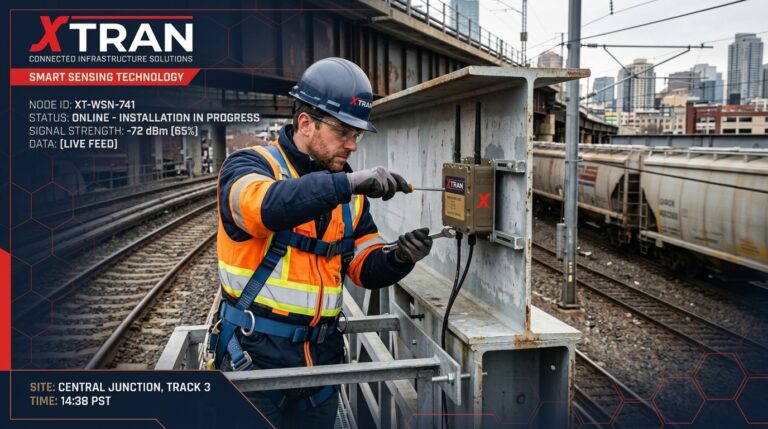
Pipelines, dam monitoring points, rail assets, and mine-site slope stability sensors are often kilometres from the nearest power point, let alone a cabled data run. Wireless telemetry, paired with solar or long-life battery power, gets you a reading without sending a crew to a site that might take half a day to reach. It also keeps personnel away from confined spaces or high-voltage areas where running a physical cable would mean a safety sign-off just to string the wire.
Both cases show up in our own wireless telemetry product range, and in the wireless data acquisition applications we get asked to solve most often. If vibration monitoring is your entry point, our guide on vibration condition monitoring covers sensor selection in more detail.
When Should You Still Choose a Wired Data Acquisition System?
I’d be doing you a disservice if I made this sound like wireless wins every time. It doesn’t. High-channel-count testing, anything needing guaranteed sub-millisecond synchronisation across dozens of channels, or a permanently powered installation where cable runs already exist wired data acquisition is still the more predictable, lower-maintenance option. No battery to monitor, no RF environment to fight, and generally a lower cost per channel once you’re past a handful of sensors.
We’ve covered that comparison in detail in our wired versus wireless data acquisition guide, including where the crossover point tends to sit on cost and channel count.
How Do You Pilot a Telemetry Project Without Committing to a Full Rollout?
This is the question I get from engineers who are sold on the idea but not yet sold on the capital spend, and it’s a fair position. Wireless telemetry hardware isn’t cheap, and nobody wants to buy forty nodes before confirming the RF environment actually cooperates.
AMA’s data acquisition hire service exists for exactly this situation. You can trial a small run of wireless sensor transmitters and a base station on your actual site, under your actual conditions, before deciding whether to buy. It turns “will this work here?” into a two-week test rather than a six-month commitment. See our About Us page for more on the hire and support services we offer alongside outright sales.
Running a short pilot also gives you real numbers on range and packet loss for your specific site, which is far more useful than anything on a datasheet. If the pilot performs, you’ve de-risked the purchase. If it doesn’t, you’ve learned that for the cost of a hire period instead of a capital outlay.
What Does a Field-Ready Wireless Telemetry Setup Actually Look Like?
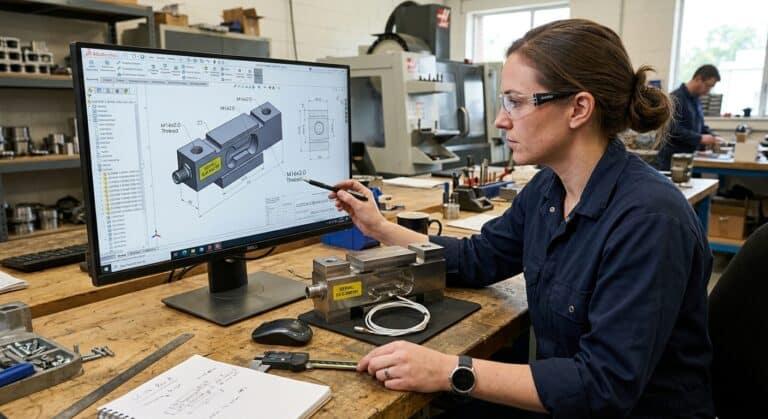
In practice, a typical setup we supply looks like this: a wireless sensor transmitter, say our T24-IA current acquisition module for a 4-20mA pressure or temperature sensor, or a wireless transmitter enclosure for a strain-gauge-based load cell, mounted close to the measurement point. That talks to a USB base station or a handheld display back at the control room or site office, logging to CSV or streaming into whatever software the client’s already running.
For temperature-specific work, a dedicated wireless K-type thermocouple transmitter skips a conversion step entirely. And where a fixed base station isn’t practical, a portable handheld display lets a technician walk the site and pull readings from multiple nodes without a permanent receiver at all.
None of this is exotic. It’s the same measurement principles as a wired system, with the cable replaced by a radio link engineered to handle the environment it’s actually going into.

Frequently Asked Questions
- Does wireless telemetry work in an underground mine or confined space?
- How long does a wireless sensor transmitter’s battery last?1
- Can I mix wired and wireless sensors in the same monitoring system?
- Is wireless telemetry secure enough for industrial data?
- What’s the fastest way to find out if wireless telemetry will work on my site?
Line-of-sight radio protocols struggle underground, so most mine deployments use a mesh of repeaters or a lower-frequency protocol designed to handle reflections and obstructions. It’s achievable, but it needs site-specific RF planning rather than an off-the-shelf range figure.
It depends entirely on sampling rate. A transmitter reporting once a minute can run for many months on a single battery, while one streaming continuous vibration data at a high sample rate will need far more frequent changes or a mains or solar supply.
Yes, and it’s common. Many sites run wired sensors where cable runs already exist and add wireless nodes only for the hard-to-reach points, feeding both into the same data acquisition software.
Most industrial telemetry protocols use error-checked, licence-free bands with proprietary framing rather than open Wi-Fi, which limits casual interception. For higher-security requirements, cellular links with encrypted transmission are the more common choice.
Hire a small set of transmitters and a base station and run a short trial under real conditions. It’s the only way to know how your specific structures, machinery, and RF noise floor will affect range and reliability before you commit to buying.
Final Thoughts
Wireless telemetry isn’t a universal upgrade over wired data acquisition, but for rotating machinery and remote infrastructure, it solves a problem cable simply can’t. The protocol you pick, the range you actually get once real obstructions are in the way, and the latency trade-off against battery life all deserve more attention than most spec sheets give them.
If you’re weighing up whether a wireless sensor network will hold up on your site, get in touch with our team or start with a short hire period to test it under real conditions before you commit to a full rollout.
XTRAN
Phone: (03) 98745777
Email: info@xtran.com.au
Location: Unit 24 A/49 Corporate Blvd, Bayswater VIC 3153, Australia
Hours: Monday to Thursday 09:00 – 17:00 Friday 09:00 – 16:00